Course creators
Turn a recurring instructor character into a visual guide for short lessons, explainers, or module introductions.
A repeatable presenter format makes each lesson easier to recognize and review.
hedra for charactersAvatar workflow
A useful hedra avatar process starts with a deliberate character brief, a suitable source image, and a review loop that catches problems before delivery. Use this guide to plan avatar-led video with fewer surprises.
Different avatar audiences need different controls. The common thread is a focused brief that defines the character, the scene, and the intended viewer response.
Turn a recurring instructor character into a visual guide for short lessons, explainers, or module introductions.
A repeatable presenter format makes each lesson easier to recognize and review.
hedra for charactersUse a designed avatar as a narrator, side character, or scene anchor without rebuilding the entire visual language each time.
The story can keep a consistent identity while testing different lines, settings, and pacing.
hedra for animePrepare avatar-led clips for announcements, recurring series, or channel explainers with a clear opening and closing beat.
A structured brief reduces vague revisions and keeps the character aligned with the channel voice.
hedra examples youtubeCreate a friendly avatar demonstration that introduces a feature, explains a workflow, or answers a common user question.
The message stays centered on one task instead of becoming a crowded showcase of effects.
hedra tutorial for beginnersThe most dependable avatar results come from separating setup, generation, and review. Treat each stage as a decision rather than one large creative prompt.
Write down the avatar’s role, audience, tone, wardrobe, framing, and one action. Choose a source image that makes the face and silhouette easy to read.
Ask for one scene and one delivery goal at a time. Keep the first version simple enough that you can tell whether the character, movement, and message are working.
Check identity, expression, mouth timing, composition, and unwanted motion. Change the weakest variable first, then create a cleaner second take.
An avatar route can organize the creative process, but it cannot remove every dependency. These limits are easier to manage when they are named before production begins.
A single portrait may not communicate how the avatar should gesture, turn, or react in a complex scene.
Workaround
Describe one restrained action and use a clear reference pose before attempting larger movement.
The longer the spoken delivery, the more opportunities there are for timing, expression, framing, or continuity issues.
Workaround
Break the script into short beats and approve the strongest segment before extending the sequence.
Heavy effects, extreme angles, or crowded backgrounds can make the face and character design harder to read.
Workaround
Keep the first pass visually simple, then add style only after the avatar remains recognizable.
A technically usable clip may still feel flat, off-tone, or poorly matched to the intended audience.
Workaround
Use a short review checklist and reserve time for at least one targeted revision.
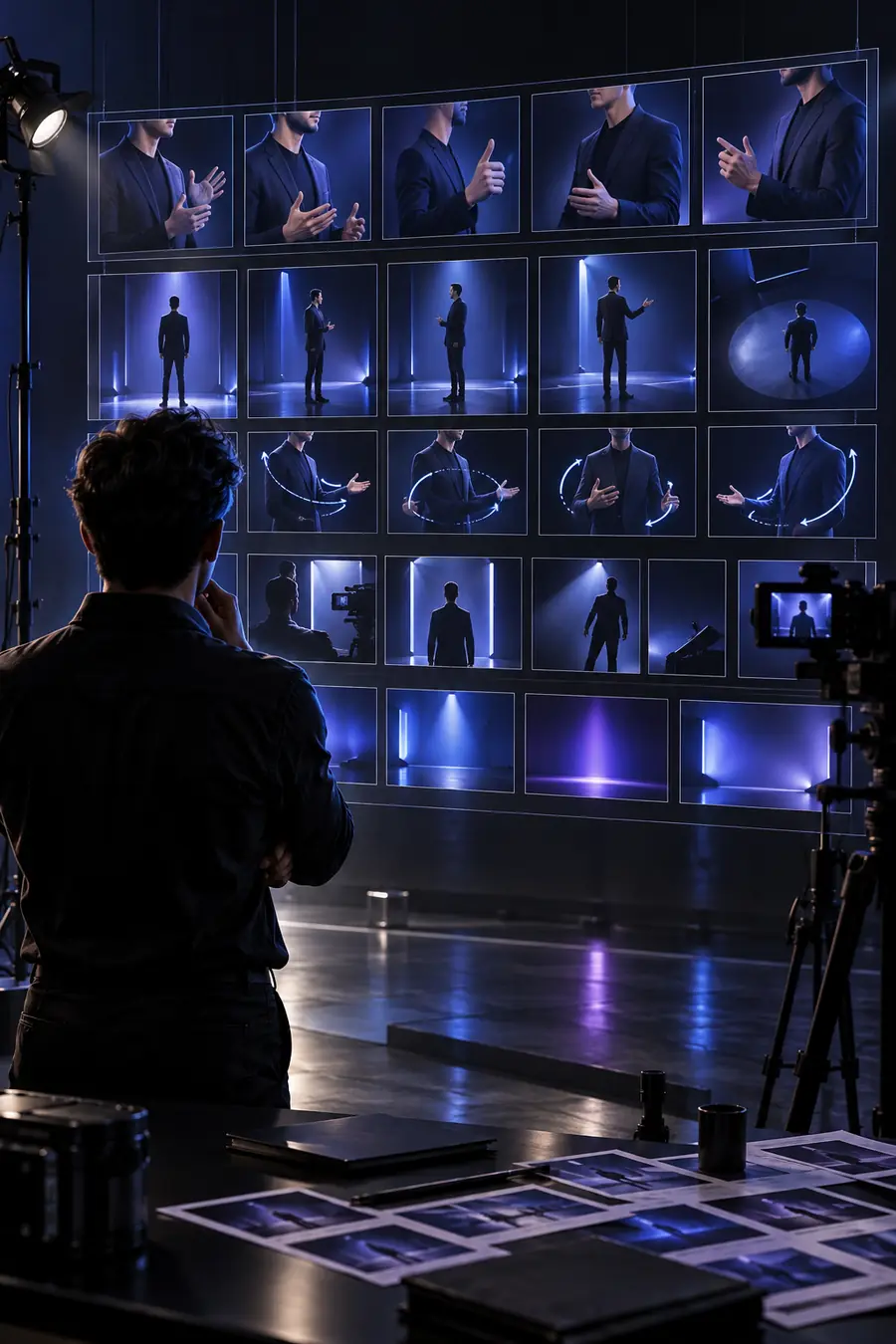 Reference brief
 Reviewed presentation
Use this side-by-side check before treating an avatar clip as ready. The left column describes the planning input; the right column describes the result worth reviewing.
Character identity
Avatar brief
Name the role, visual traits, tone, and audience.
Ready-to-review clip
The avatar is recognizable and fits the intended role.
Source image
Avatar brief
Use a clear image with a readable face, pose, and silhouette.
Ready-to-review clip
The face remains legible at the chosen framing.
Scene goal
Avatar brief
State one action or communication goal for the clip.
Ready-to-review clip
The viewer can understand what the avatar is doing or saying.
Delivery style
Avatar brief
Specify calm, energetic, instructional, serious, or another useful direction.
Ready-to-review clip
Expression and pacing support the message rather than competing with it.
Visual setting
Avatar brief
Choose a simple background and composition that support attention.
Ready-to-review clip
The setting adds context without hiding the avatar or distracting from speech.
Review criteria
Avatar brief
List the details that would make the take acceptable or unacceptable.
Ready-to-review clip
The clip has passed checks for identity, motion, timing, framing, and tone.
Revision scope
Avatar brief
Decide which variable should change if the first take misses.
Ready-to-review clip
The next version improves one clear weakness instead of changing everything at once.
A strong avatar video is easier to make when the character, scene, and review standard are clear from the beginning. Start with one focused brief, then refine the result against the quality bar above.
Create an avatar videoA hedra avatar workflow is a structured way to plan, generate, and review a character-led video. It focuses on the character brief, source image, scene goal, delivery style, and revision criteria rather than treating generation as a single step.
A hedra AI avatar can support presenter clips, lessons, explainers, announcements, narration, and character-led social content. The best use depends on having a clear audience, a focused scene, and a visual identity that remains readable.
Choose an image where the face, pose, and silhouette are easy to understand. A simple, well-framed reference usually gives you a better starting point than a crowded image with heavy effects or an obstructed face.
First check whether the scene asks for too much movement or contains too many competing visual details. Shorten the action, simplify the setting, and revise the weakest issue—such as expression, timing, framing, or identity—before changing the entire brief.
Not every style will behave equally well in every scene, especially when the design depends on extreme angles, dense detail, or complex motion. Start with a readable pose and a restrained action, then add stylization after the character remains clear.