Concept artists
Describe a setting, subject, lighting direction, and camera movement before committing to a full storyboard.
You get a visual reference that can help the team discuss composition and tone.
hedra lip syncPrompt-led creation
hedra ai text to video helps turn a concise visual idea into a video starting point. The quality of the result depends on how clearly you describe the subject, action, setting, and desired mood.
Related routes
Different inputs call for different workflows. These nearby Hedra pages explain where image, character, and motion-led approaches may fit better.
Use cases
The same text-led workflow can support several early-stage video needs, but each use case benefits from a different kind of prompt.
Describe a setting, subject, lighting direction, and camera movement before committing to a full storyboard.
You get a visual reference that can help the team discuss composition and tone.
hedra lip syncTurn a short hook into a compact scene with a clear subject, action, and visual payoff.
You can explore several directions before choosing one to refine for a channel format.
hedra lip syncDescribe an abstract idea as a simple visual sequence with a setting and observable action.
A draft scene can make a lesson concept easier to demonstrate or discuss.
hedra lip syncPrompt a character moment with location, emotion, movement, and a defined visual style.
You receive a fast visual cue for testing whether a scene communicates its intended feeling.
hedra lip syncHow it works
Treat the first generation as a draft. Clear inputs, focused revisions, and a final review usually produce a more useful result than one overloaded prompt.
Name the subject, place, action, composition, lighting, and mood. Keep the first prompt centered on one moment rather than a full multi-scene story.
Check whether the subject, movement, framing, and atmosphere match your intention. Note the one or two elements that need the most improvement.
Adjust one variable at a time, such as camera movement, color, expression, or pacing. Save the strongest draft for later editing and review.
Know the edges
Text-led generation is useful for exploration, but it is not a substitute for precise production control in every situation.
The output may interpret framing, movement, or object details differently from the wording you supplied.
Workaround
Use concrete visual language and revise the most important mismatch rather than rewriting everything at once.
Characters, props, and locations can change between moments when a concept requires several connected shots.
Workaround
Break the idea into shorter scenes and keep a compact reference description for each recurring element.
A text description can suggest action, but it may not provide the frame-level control needed for exact choreography or dialogue timing.
Workaround
Use a more specialized motion or speech workflow when timing is the central requirement.
Visual artifacts, unexpected details, or unsuitable outputs can appear even when the prompt is specific.
Workaround
Inspect every draft before sharing, and keep only footage that meets your creative and publishing standards.
Visual comparison
The contrast below represents the shift from an abstract creative brief to a concrete visual draft that can be reviewed and refined.
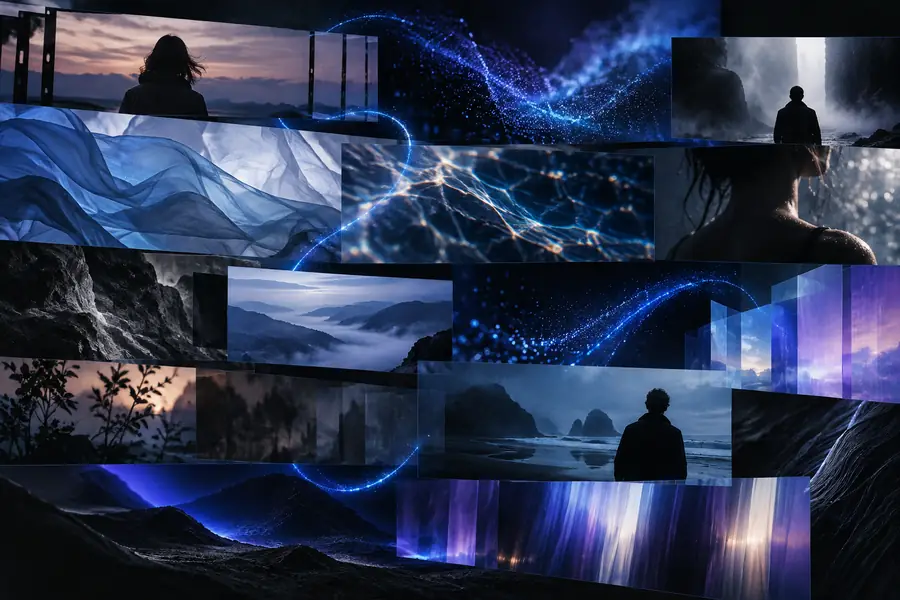 Written direction
 Visual draft
Workflow comparison
Neither route is best for every project. The right choice depends on whether you need rapid visual exploration or detailed control over each production decision.
Starting input
Prompt-led draft
A written description of the intended scene
Manual assembly
Images, footage, assets, or a shot plan
Best first use
Prompt-led draft
Exploring visual directions quickly
Manual assembly
Building a defined sequence from known materials
Control style
Prompt-led draft
High-level direction through prompt revisions
Manual assembly
Direct control over placement, timing, and edits
Iteration pattern
Prompt-led draft
Change the wording and review a new draft
Manual assembly
Adjust individual assets or timeline elements
Continuity
Prompt-led draft
May require extra checking across scenes
Manual assembly
Can be maintained through a controlled project timeline
Creative strength
Prompt-led draft
Useful for discovering unexpected compositions
Manual assembly
Useful when the intended result is already tightly specified
Review requirement
Prompt-led draft
Inspect generated details before use
Manual assembly
Inspect edits, assets, and final export before use
Next creative step
Write one focused scene, describe the details that matter most, and use the first result to learn what needs refinement. Hedra is most useful when generation is treated as an iterative part of the creative process.
Generate a videoFAQ
These answers focus on the practical questions people ask when exploring Hedra for prompt-led video creation.
hedra ai text to video refers to using a written prompt to guide the creation of a video draft in Hedra. The prompt can describe the subject, setting, movement, composition, and mood so you can explore a visual idea before refining it.
Start with one focused scene and identify the subject, action, setting, camera view, lighting, and mood. Specific visual details are usually more useful than a long prompt containing several unrelated events.
A single prompt is better treated as direction for a focused visual draft than as a guarantee of a complete, consistent production. For longer concepts, divide the idea into shorter scenes and review continuity between them.
It can help explore movement and visual direction, but generated motion may not provide the frame-level control required for exact choreography or tightly timed dialogue. When timing is the main requirement, consider a workflow designed around motion or speech control.
Yes. Review the subject, motion, continuity, and any unexpected visual details before sharing or publishing a draft. Generation is an aid to the creative process, not a replacement for final quality control.