
Image animation

Use hedra image to video for moving visuals

With hedra image to video, a single still becomes the starting point for a short moving scene. Begin with a clear image, describe the motion you want, and review the result for natural movement and visual consistency.

Bring one image to life
Hands shaping a visual scene for image animation

What This Variant Is

The image-to-video variant starts with a finished visual rather than a blank prompt. Your image supplies the subject, composition, and style while the motion direction defines what changes over time.

  1. 1

    Choose a strong starting image

    Use a clear portrait, character design, illustration, product image, or scene with a readable subject and enough visual detail to guide the animation.

  2. 2

    Describe the movement

    State the action, camera behavior, and mood in practical terms, such as a slow turn, a speaking gesture, drifting fabric, or a gradual zoom.

  3. 3

    Review and refine the clip

    Check whether the subject stays recognizable, the motion follows the prompt, and the result works at the intended pace before sharing or editing it further.

Why Image-to-Video Works

A prepared image gives the model a visual anchor, making it easier to preserve a character, setting, or art direction while adding movement.

Image and Video Specs

The clearest distinction is not simply still versus moving. It is which part of the creative direction is already decided and which part you still need to describe.

Starting image
Animated result

Primary role

Starting image

Defines the subject, style, composition, and visual reference.

Animated result

Adds time, movement, pacing, and a sense of action.

Creative input

Starting image

A prepared still plus a description of the intended motion.

Animated result

A generated clip shaped by the source image and motion direction.

Best for

Starting image

Character art, product shots, portraits, illustrations, and scene concepts.

Animated result

Short presentations, social posts, visual tests, story beats, and atmospheric clips.

Main quality check

Starting image

Subject clarity, clean edges, readable pose, and consistent details.

Animated result

Natural movement, stable identity, believable timing, and clean transitions.

What stays anchored

Starting image

The original look, framing, color language, and key visual details.

Animated result

The source subject remains the visual reference while the scene develops.

What can change

Starting image

Nothing moves until an animation direction is supplied.

Animated result

Pose, camera position, expression, gesture, and environmental motion can evolve.

Typical refinement

Starting image

Improve the image or choose a more useful crop before animating.

Animated result

Adjust the motion wording when movement is too strong, vague, or physically unclear.

The Tool Block: From Still to Scene

Think of the source image as the visual contract and the motion prompt as the performance direction. A restrained first pass usually makes it easier to diagnose what needs changing.

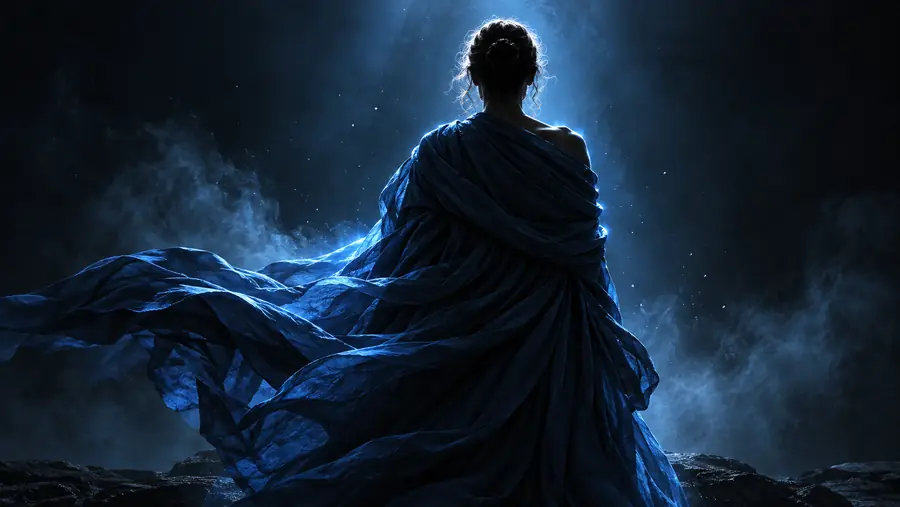
A detailed visual source image ready for animation Source image
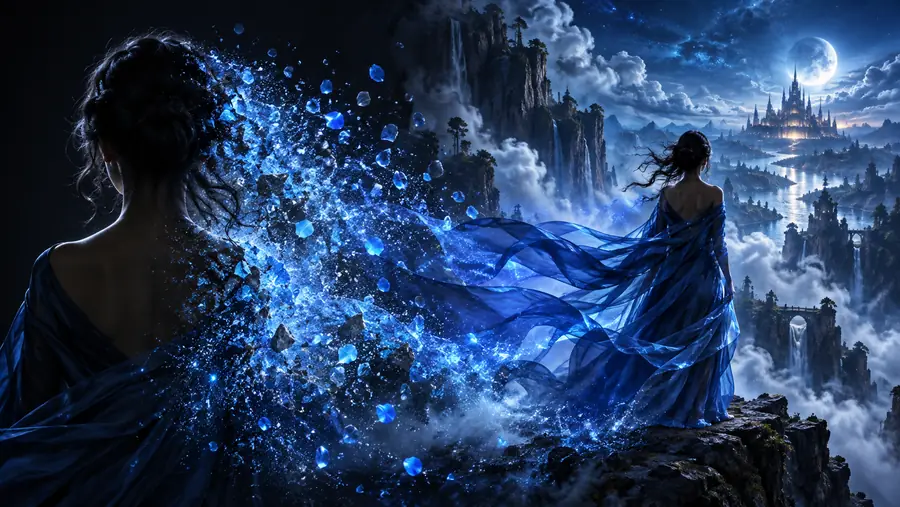
A stylized moving subject representing an animated result Animated direction
The result should preserve the source subject while introducing purposeful motion.

Who Benefits From This Workflow

Different creators start with different kinds of stills, but the same principle applies: prepare the visual anchor first, then use motion to extend its story.

Character designers

You have a finished character sheet or portrait and want a short gesture, turn, or performance test without rebuilding the design.

The image remains the identity reference while motion helps you explore how the character could behave.

hedra for characters

Anime and illustration creators

You want to add a subtle camera move, hair movement, environmental drift, or expressive pose to a stylized frame.

A still illustration becomes a more dynamic visual beat while keeping its original art direction visible.

hedra for anime

Video and social teams

You have a campaign image, thumbnail, or product visual that needs motion for a short post or concept preview.

One prepared asset can become a more engaging clip for testing an idea before a larger production.

hedra examples youtube

Story and concept artists

You need to test a moment from a scene, such as a figure looking toward a light, a vehicle passing, or a landscape shifting.

The animated study helps communicate timing, mood, and visual intent before the sequence is fully produced.

hedra talking photo

Start with the image you already have

Upload or choose a visual with a clear subject, then describe one intentional movement. Hedra works best when the source image and the direction agree about what should stay stable and what should change.

Animate my image
  • Lead with one main action
  • Keep the subject easy to read
  • Review motion before refining style

Variant FAQ

These answers address the practical questions people ask when comparing an image-led animation workflow with other ways to create video.

It is used to turn a still visual into a short moving scene. Common starting points include portraits, characters, illustrations, product images, and concept art that need motion, atmosphere, or a simple performance.

A single character image can serve as the visual anchor for an animation. Use a clear subject and describe the intended gesture, pose change, camera move, or expression so the direction is easy to interpret.

A strong source image has a readable subject, clear edges, useful detail, and a composition that leaves room for movement. Images with heavy blur, extreme cropping, or several competing subjects may be harder to animate consistently.

Describe the subject first, then name the action and camera behavior in plain language. Specific directions such as a slow turn, gentle wind through clothing, or a gradual push-in are generally easier to review than a long list of unrelated effects.

The source image provides the main visual reference, so it can help preserve the subject, palette, and overall art direction. Results still need to be checked for identity drift, unwanted movement, or details that change during the clip.

Start creating
Start creating